Account & sync
How do I reset my password?+
Open the login screen, enter your email, and choose “Forgot password?” Open the newest reset email on the same device and follow the link. If it has expired, request another.
Why is my cloud data not updating?+
Confirm that you have a network connection and are signed into the expected account. Keep the app open briefly, then check the Sync Status card in Settings. If it still shows an error, contact support before resetting data.
How do I export or delete my data?+
Open Settings. Export Data creates a JSON copy you can share or save. Delete Account permanently starts removal of the active account data. Export first if you want a copy.
Will my scan photos appear on another device?+
Scan results sync with your account, but scan photos stay only in this device's app cache. Logout, uninstalling the app, clearing scan data or operating-system cache cleanup can remove them. The original image in your own photo library is not deleted by the app.
How do I keep a guest scan?+
Complete account setup and email verification on the same installation before logging out or changing devices. A guest session has no email/password login until setup is complete. If you want to remove it instead, use the account-deletion action in Settings. Contact support before clearing app data if setup fails.
Routines & reminders
Why am I seeing an ingredient warning?+
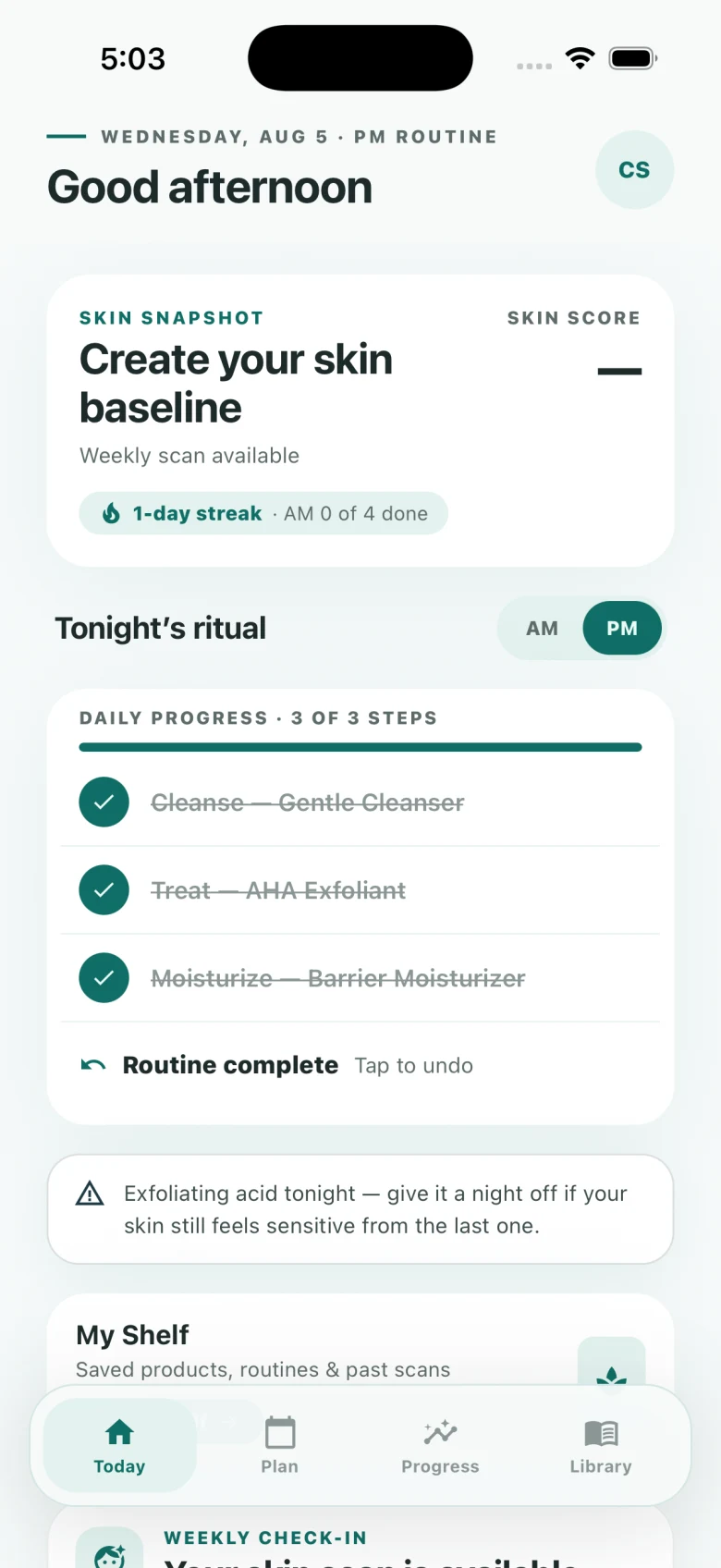
Connie checks for a small set of common routine patterns: retinoid with acid, retinoid on adjacent evenings, retinoid in the morning, and a morning routine without SPF. Open the warning for context or adjust the schedule in Plan.
Why didn't my reminder fire?+
Check the reminder toggle and hour in Settings, then confirm notification permission in your device's system Settings. Battery-saver and Focus modes can also delay or hide notifications.
Is the guidance medical advice?+
No. Connie provides educational, cosmetic routine guidance. Stop using a product that causes irritation and contact a qualified healthcare professional for persistent or concerning symptoms.
Product orders
Do I need a purchase or code to use my routine?+
No. Routine organization and tracking do not require a product purchase or redemption code. Product checkout, when available, is for physical goods.
Where is my kit order?+
Email support using the address entered at checkout. Include the approximate order date and the order number from your receipt so we can locate it. For an earlier Stripe purchase, its receipt identifier is also helpful. Never send your password or full payment-card number.
How are payment details handled?+
When Shopify checkout is available, Shopify and the payment provider displayed in checkout handle payment information. Connie's Skin stores order and fulfillment details but does not receive or store your full payment-card number. Earlier Stripe payment records may remain for historical order support.