
Start with your skin
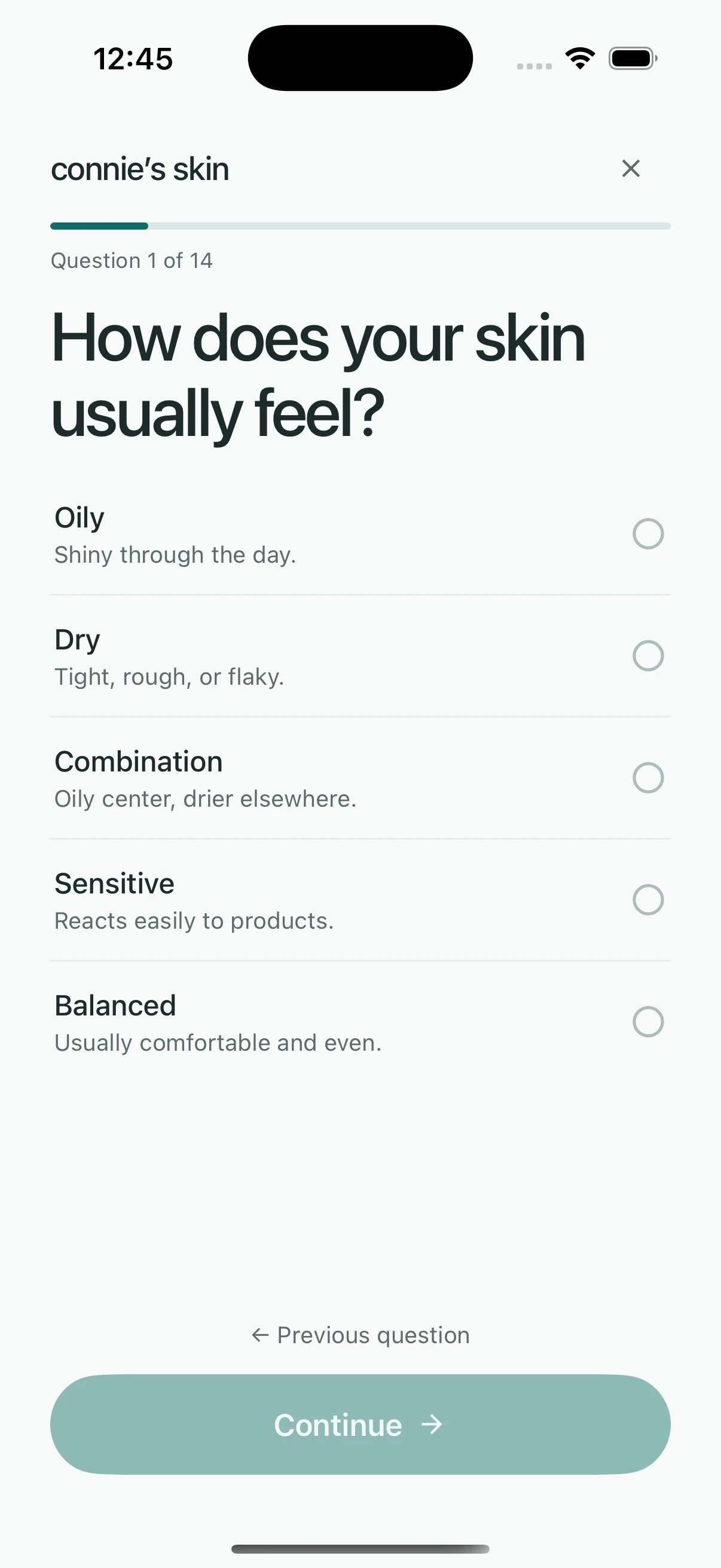
Share your skin concerns and what matters to you when choosing products. You can set a budget, too.
Feel good in your skin
Connie’s Skin is a free skincare app for organizing your products, planning routines and tracking how your skin feels. A place to make the daily part easier, with the products you already own.
Free to use, with no subscription. The skin scan is optional.
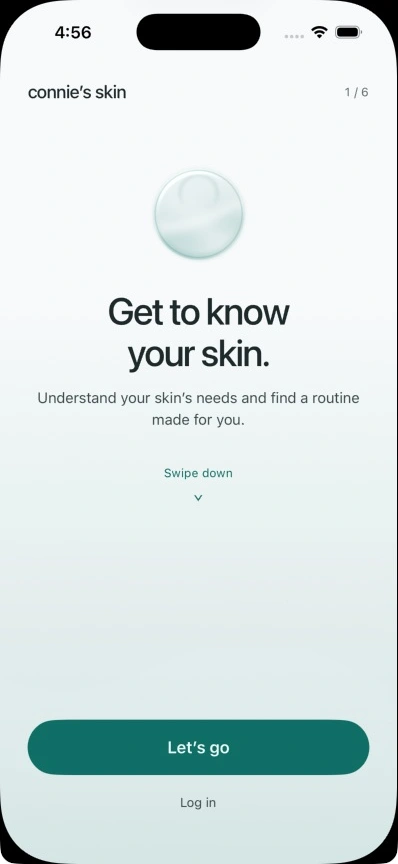
A look at Connie’s Skin on iPhone
Getting started
Tell Connie what you’d like to work on. Your answers help shape a routine you can make your own.
Share your skin concerns and what matters to you when choosing products. You can set a budget, too.
Use the products you already own. Put your morning and evening steps in an order you can come back to.
Leave a quick note about your skin and what you used. When you look back, you won’t have to rely on memory.
Inside the app
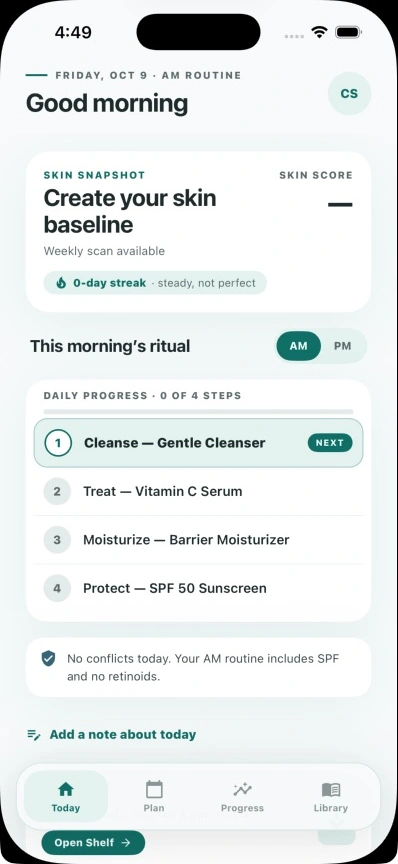
Some mornings, you just want to know which bottle comes next. Your routine is ready in Today, with each step there to check off.
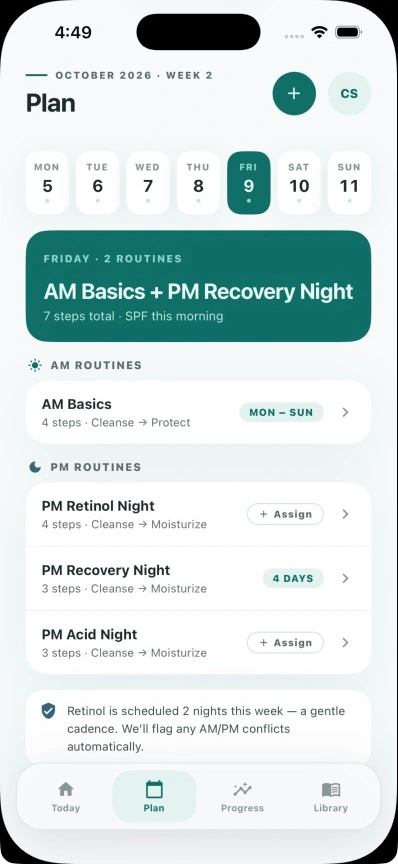
If you put a retinoid and an acid in the same routine, or leave SPF out of a morning routine, Connie flags it so you can take another look.
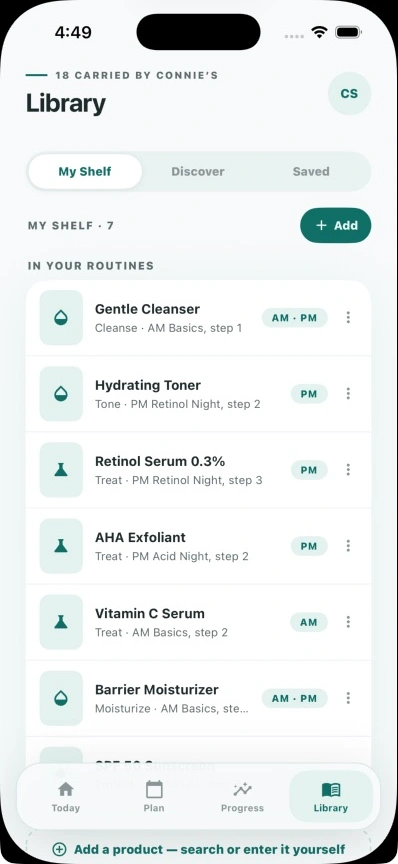
Before adding something new, see what you already have. Compare two products side by side and read their ingredient lists in one place.
When a brand says a product does something, you can read the claim and follow the source.
A late night doesn’t have to mean starting over. Keep tomorrow’s routine in view and adjust the week when your plans change.
Your calendar and diary give you a record of what you did and how your skin felt. You can look back whenever you’re wondering what changed.
iPhone app screens. Routine and product examples are sample data.
Explore on the website
Browse the product library, read ingredient lists and follow the sources behind them. You can explore now, without an account or the app.
Explore the product libraryWhy it’s free
We make money from optional skincare purchases. The app is free, whether you shop with us, use what you own, or buy elsewhere. Buying something doesn’t unlock extra features.
Shopping availability varies by app version. The optional skin scan is available once every seven days.
About the optional scan
You can get started just by answering a few questions. If you want to try a scan, you’ll see where your photo goes before you share it. The app asks for your consent every time.
A few questions
Connie’s Skin is for adults aged 18 and over.
No. Add products you already own and build your routine around them.
No. You can continue without a scan and use your answers to set up a routine.
No. Connie’s Skin provides cosmetic information and routine tools. Scan results are estimates, not a diagnosis. For medical concerns, speak with a qualified healthcare professional.
Yes. Open Settings, then Account, and choose Delete account. Contact support if you can’t access the app.
Practical guides
Start with the products in your cupboard, a plan for the week, or a note about how your skin feels. These guides walk you through it.
Remember how your skin felt and what you used. There’s a short template you can copy.
Read the guide Your shelfBefore buying another bottle, get to know what you already have.
Read the guide Morning & eveningGive your daily care a place in the week, with a plan you can come back to.
Read the guideYour next step
Join the waitlist. We’ll be in touch when beta spots open and Connie is ready to launch.